



Advance
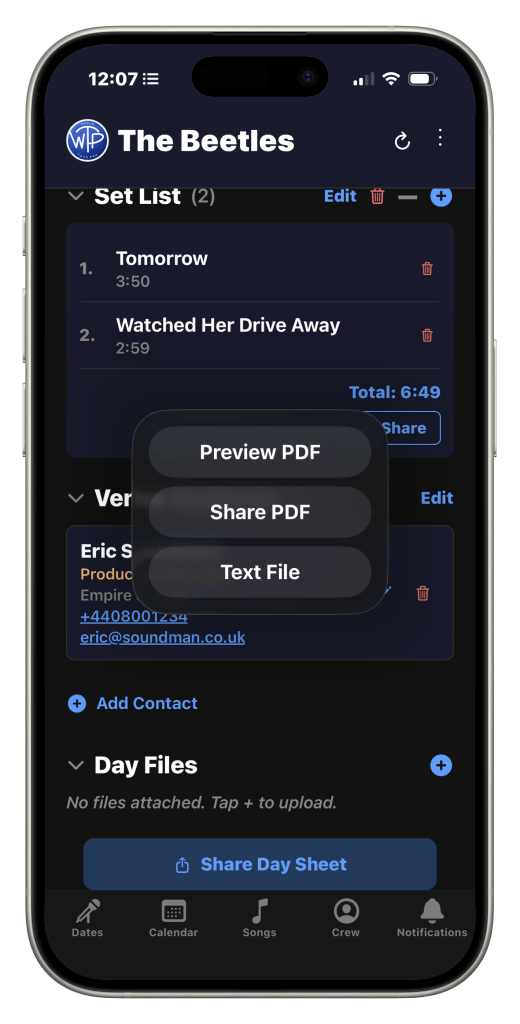
Advancing your show can be quite time consuming, with multiple emails back and forth between the venue and the band in order for both parties to be across all things related to the show. The advance section of the app helps speed this up by allowing you to select relevant scheduled items and logistics, as well as organisation documents, such as production and hospitality riders, with the venue.
We’ve strategically placed this advance section at the bottom of each show page, so you can review your data before clicking the advance button and choosing what to share with the venue. In the advance page, you can then decide what is relevant to your show and what the venue needs to know. For example, if the hotel the band is staying at is completely irrelevant to the venue, you can simply uncheck it and it will not be shared.
Once you’re done selecting the information you want shared, and which venue contacts you want to share it with, you can then click “email advance”, and it will open your mail client on iOS and Android. The email created will include: the “to” and “subject” lines auto populated, a day sheet pdf (generated by the app), and any other organisation files you have selected. Please note that on the web app, it will generate a .zip file instead, containing the same files, which you can then manually attach.
This is just one way that World Tour Pro helps to improve your work flow. Start your free 14 day trial today to find out more on how the app can help you out there on the road. In the meantime, happy gigging, and see you on tour!
